


|
|
|
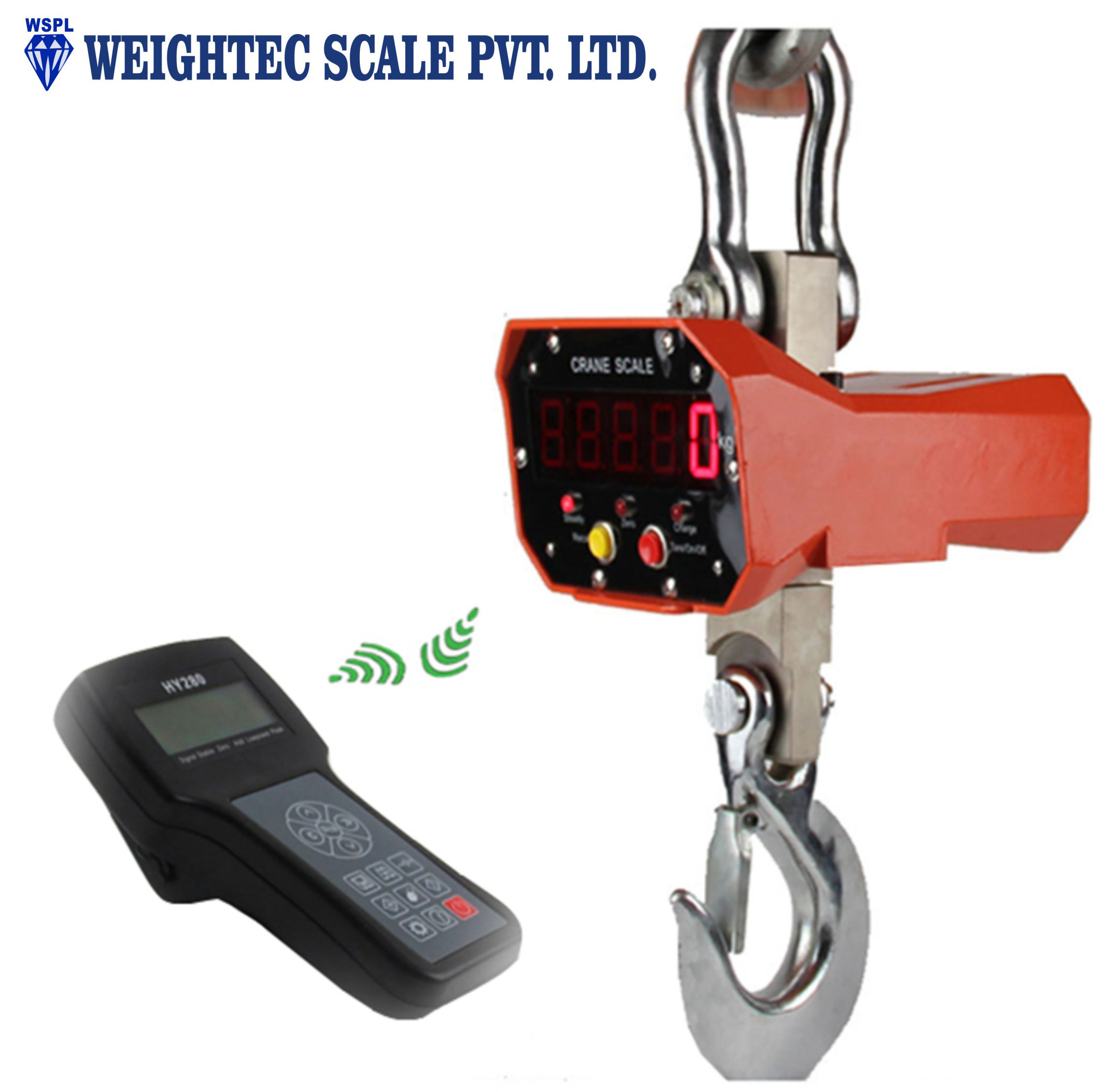
For indicator HY280 |
Display |
192*64 LCD ,6 digit display |
|
Weighing Units |
kg/t/lb/kN |
|
|
Division |
1/2/5/10/20/50/100 optional |
|
|
Dimension(mm) |
230*120*100mm
|
|
|
Power supply |
Rechargeable battery 7.4V / 2500mA
or 8.4V / 1A charger |
|
|
External Interface |
RS232 interface Optional |
|
|
Printer |
none |
|
|
Operating temperature |
-25°C~50°C, RH 10%~85%, Non-condensing |
|
|
Storage temperature |
-30°C~55°C, RH 10%~85%,Non-condensing |
|
|
Communication |
Wireless interface,434M~470MHZ |
|
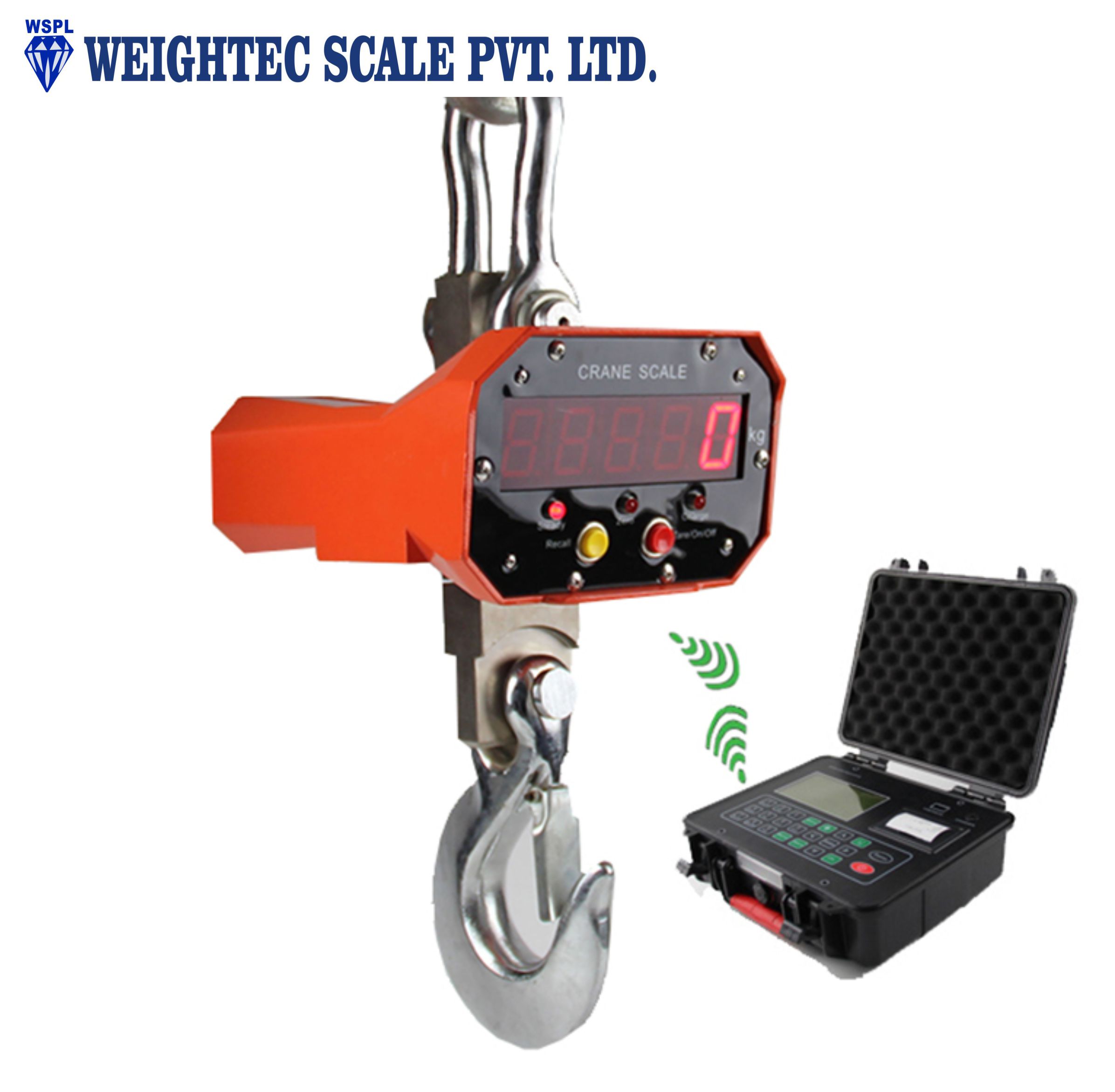
For indicator HY680 |
Display |
240*128 dot ,6 digit display |
|
Weighing Units |
kg/t/lb/kN… |
|
|
Division |
1/2/5/10/20/50/100 optional |
|
|
Dimension(mm) |
280 * 250 * 100mm |
|
|
Power supply |
Rechargeable battery 7.4V / 5Ah or 8.4V / 1A charger |
|
|
External Interface |
USB interface or RS232 interface |
|
|
Printer |
Micro printer |
|
|
Operating temperature |
-25°C~50°C, RH 10%~85%, Non-condensing |
|
|
Storage temperature |
-30°C~55°C, RH 10%~85%,Non-condensing |
|
|
Communication |
Wireless interface,434M~470MHZ |
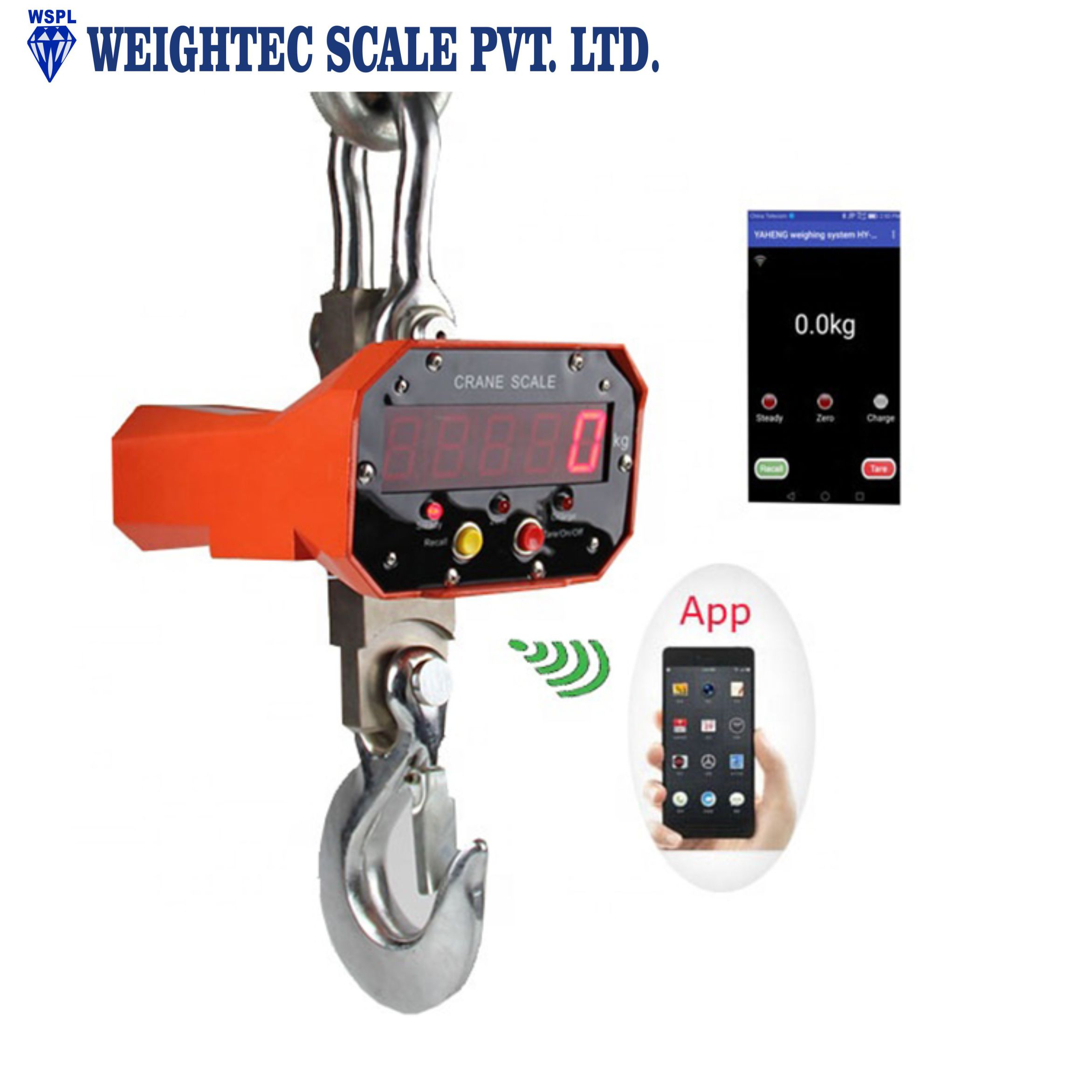
OCS-APP WIFI Weighing
Chapter 1 APP Install
2. Turn on APP-ATW sender, open WLAN in your mobile, you can find a new available networks, for example : HY-OCS or HY****
3. Choose the wifi name for connect. The default net password is “1234567890”
4. Run app software in your mobile.
Chapter 2 APP Applicate
1. Setting parameter Click “…” to choose parameter setting, password is “9999”.
1-1 You can set decimal place/unit/filter/dividing value/zero tracking, and maximum range, when you changed, please click “UPLOAD” for send to app sender,
1-2 You can download all parameter from app sender.
1-3 If you active for Weight save model, you can save manually in the weighing.
1-4 If you have more wifi sender ,there are same wifi name ,You need set different wifi name for you wifi sender , chang the number,click “set” ,if set successed, you need connect network to your new name again.
2. Calibration, Click “…” to choose calibration, password is “8888”.
3. Peak show, click “Peak” for show peak value 2 seconds.
4. Save weight value.
The default state is automatic, or you can set the parameter setting for save manually.
5. View record , click “Recall”,it will show the list as below:
6. You can click “Tare” for zero.
7. Click “Print” key for print current weight date.

Contact:
Phone: 91-771-2253229
Tel: 91-771-2254129
Email: sunilraja2000@yahoo.com
Add: 248, 2nd floor, ghasidas plaza, amapara, raipur (c.g.)